
App blocking
Programs on your list close instantly if they are opened during a session.
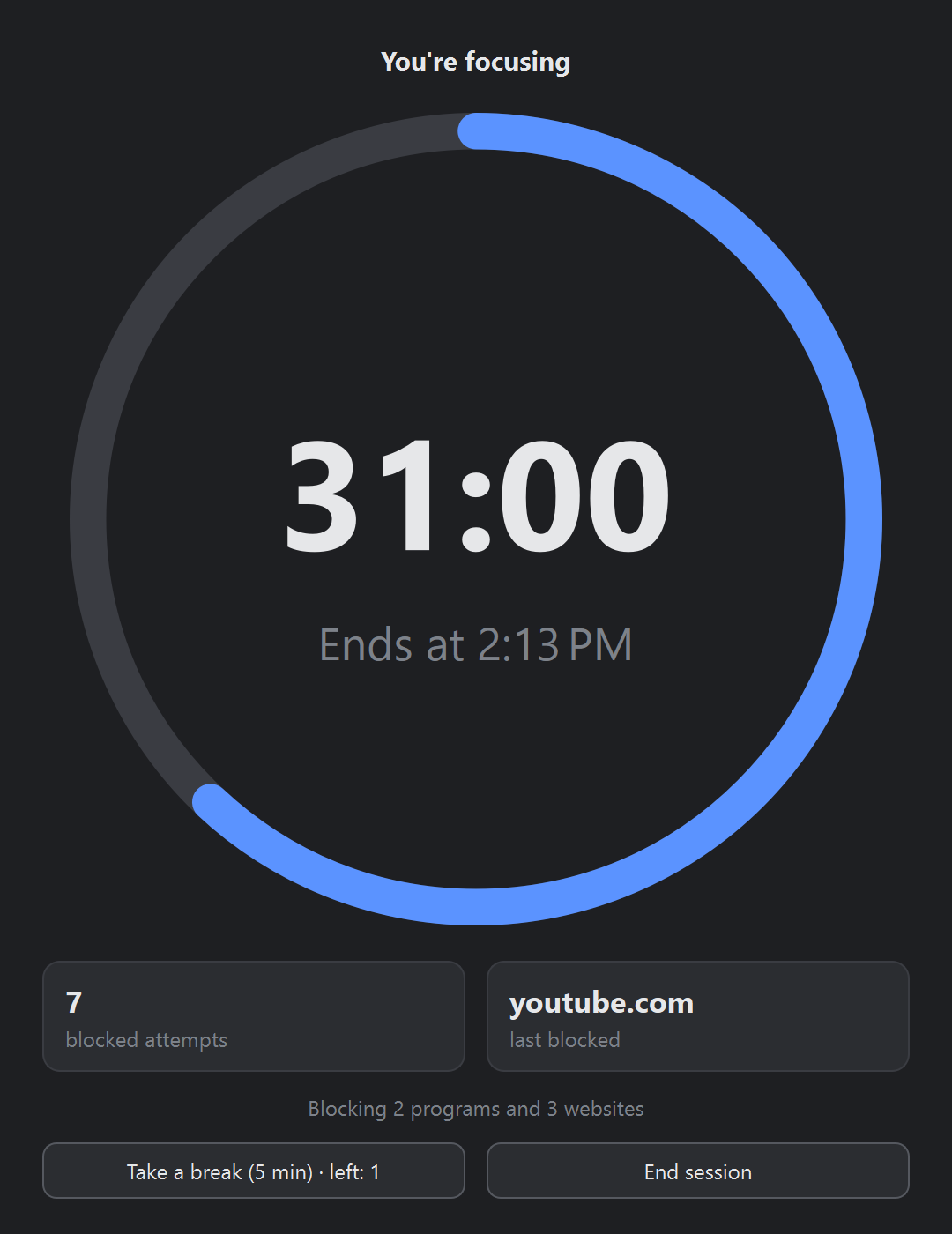
BlockFocus blocks the apps and websites that steal your time (games, social media, video) for as long as you choose. Try to open them and they close instantly.
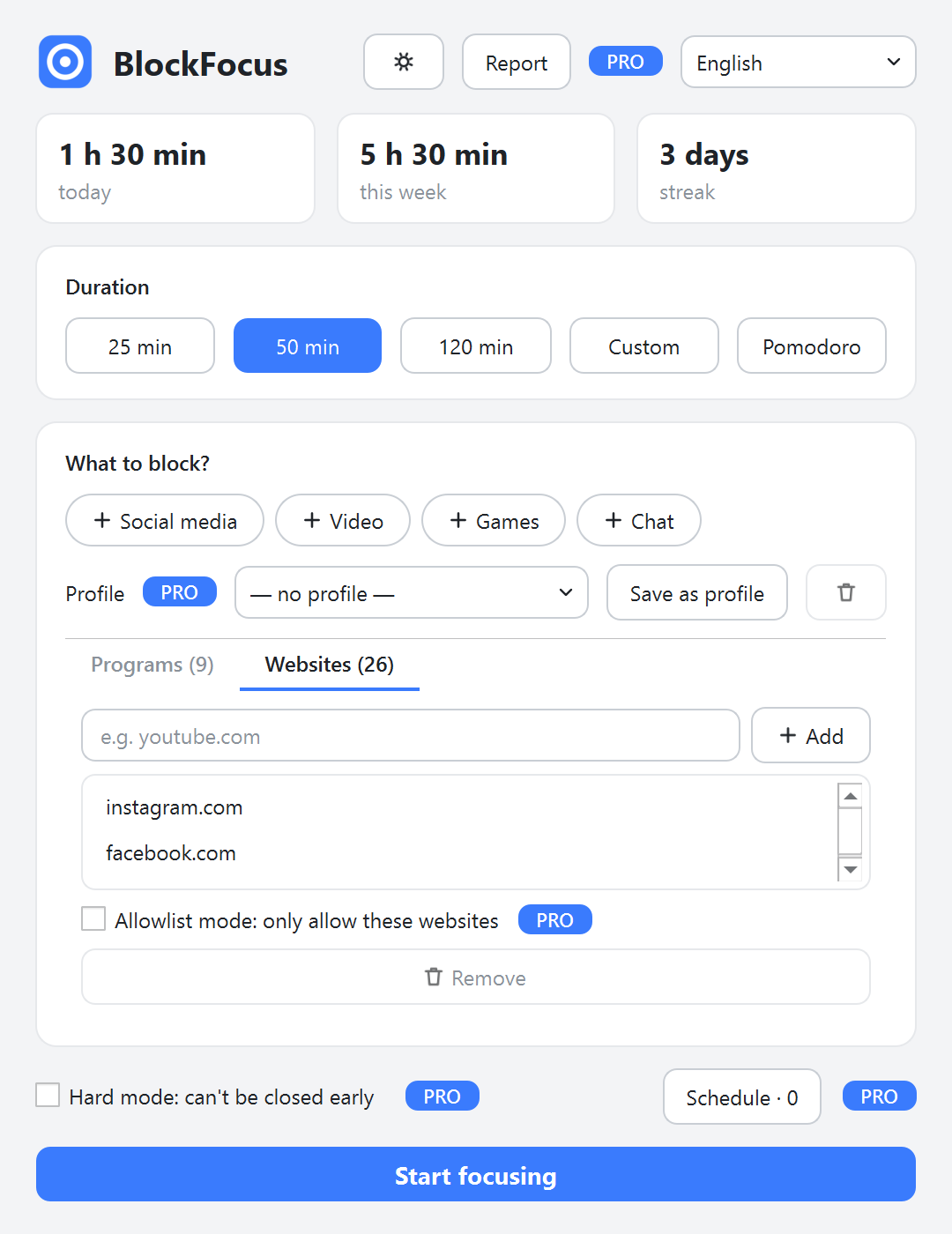
Programs on your list close instantly if they are opened during a session.
Works at the network level (tested with Chrome and Edge), not a browser extension that can be switched off in two clicks.
Social media, Video, Games, Chat: add a whole category with one click.
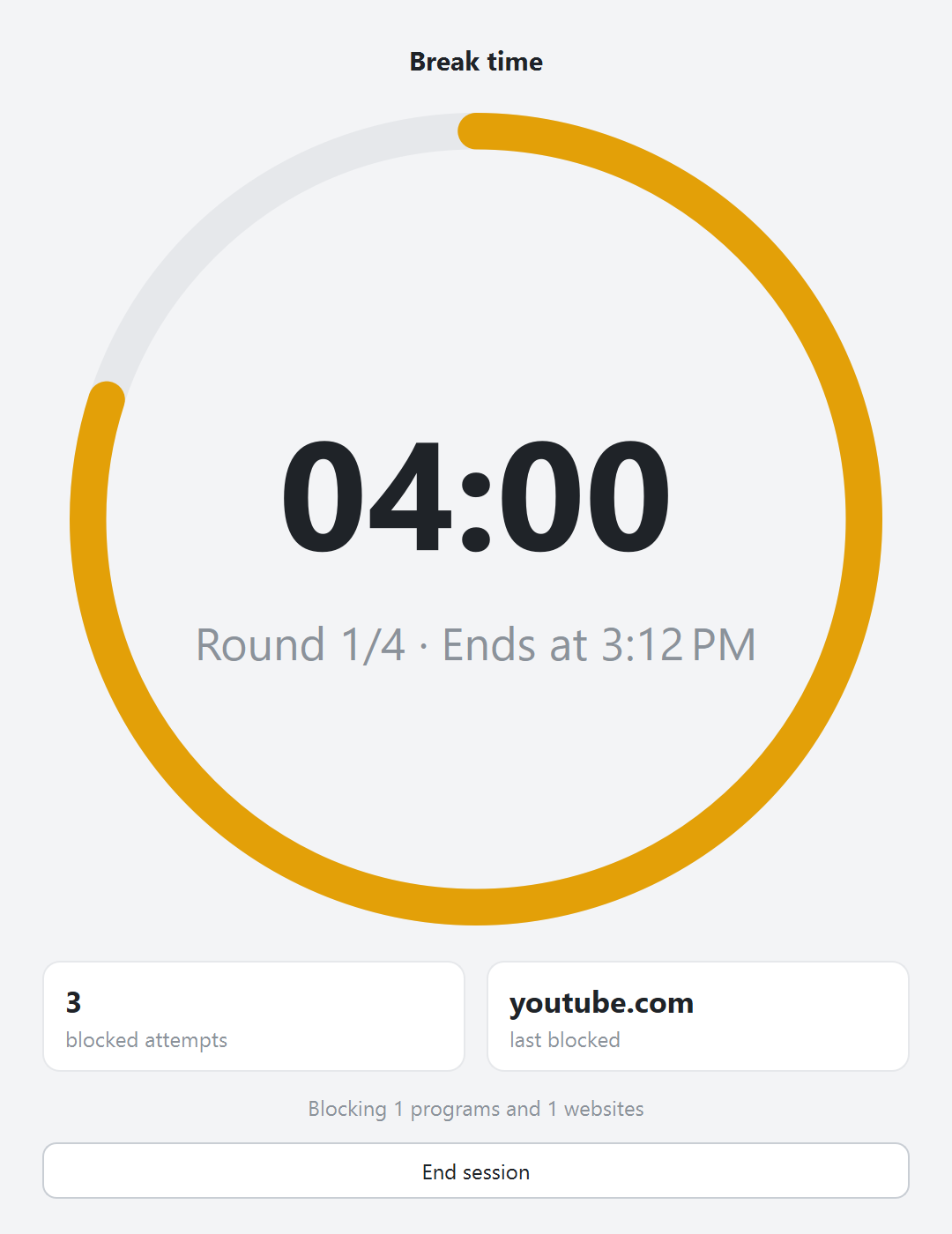
25 minutes of focus, 5 minutes of break. Blocking pauses during breaks automatically.
Focus time today and this week, your streak of focused days, and what you were kept away from.
The interface speaks 10 languages and follows your light or dark theme.
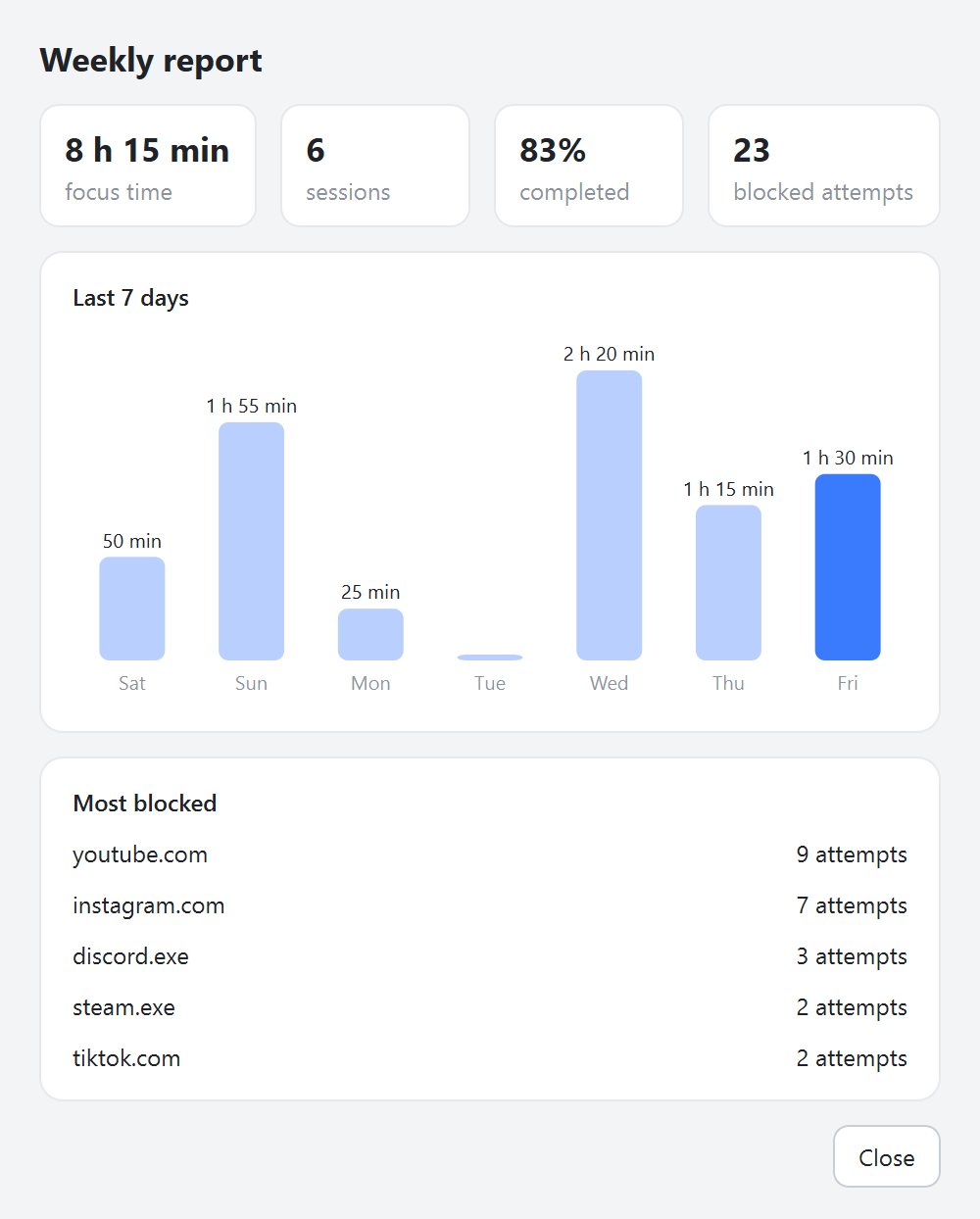
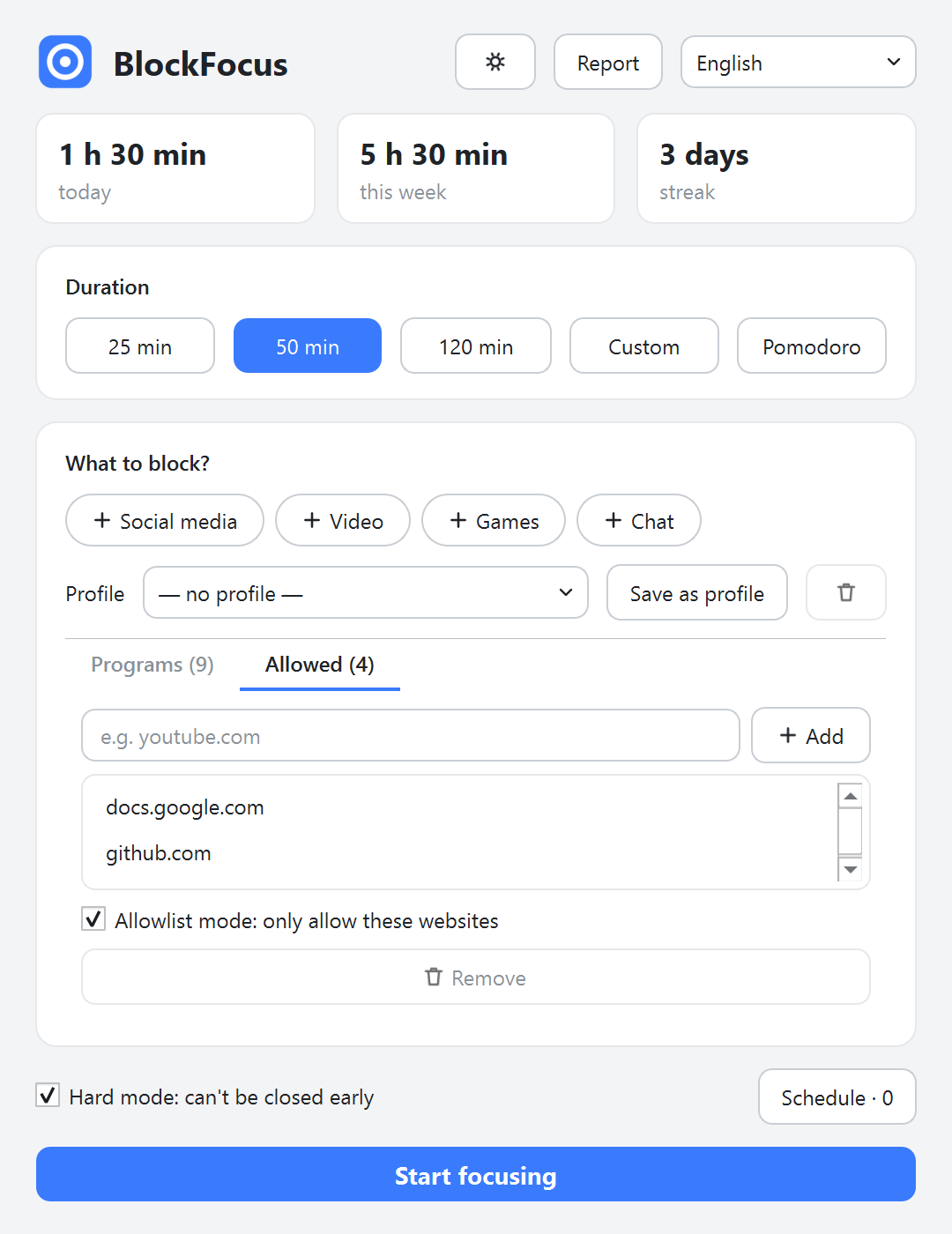
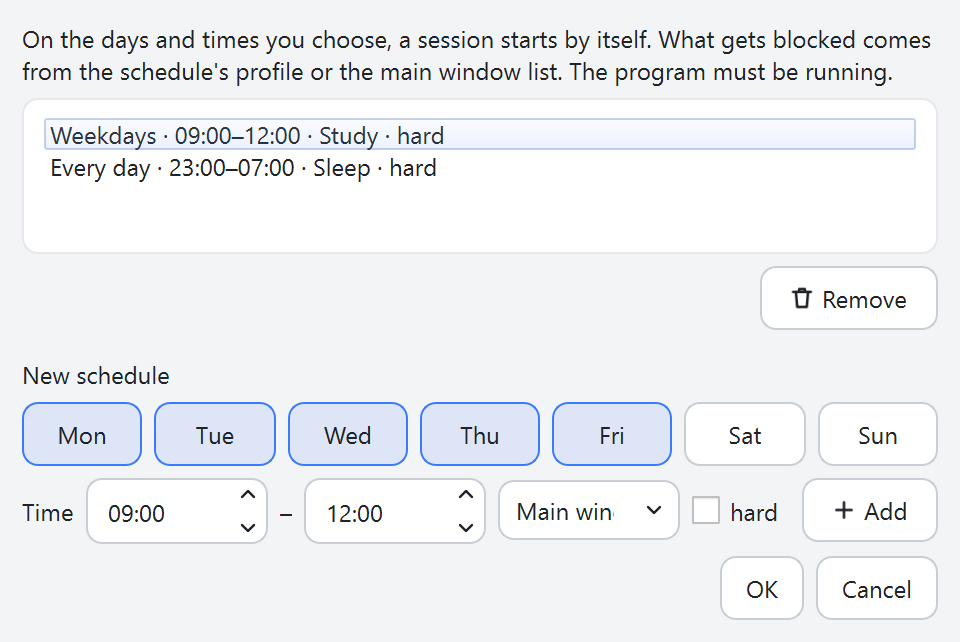
App and website blocking, ready-made lists, Pomodoro and statistics are free forever. Pro adds hard mode, schedules, profiles, allowlist mode, breaks and the weekly report.
| Feature | Free | Pro |
|---|---|---|
| App blocking | Yes | Yes |
| Website blocking | Yes | Yes |
| Ready-made lists | Yes | Yes |
| Pomodoro timer | Yes | Yes |
| Daily and weekly statistics | Yes | Yes |
| Hard mode (can't quit early) | No | Yes |
| Scheduled sessions | No | Yes |
| Profiles | No | Yes |
| Allowlist mode | No | Yes |
| Breaks (5 minutes per focus hour) | No | Yes |
| Weekly report | No | Yes |
$19.99
One-time payment. Covers all personal computers of the person who buys it. All 1.x updates included.
Pro is a one-time payment, not a subscription.
No, and no blocker can promise that: an administrator can always stop a program. BlockFocus is built to add enough friction that giving in to a distraction takes more effort than getting back to work. Hard mode makes that friction much stronger.
Windows 10 and 11 (64-bit), about 60 MB of disk space. Website blocking needs administrator rights; the app asks once.
Version 1.0.0 · 48.2 MB · Changelog
SHA-256: 3477e262172cdba66028017b5ee230c2704144e2e7d706dfd2be57970daa31ae
The app is not code-signed yet, so Windows SmartScreen may warn you the first time you run it. Click “More info”, then “Run anyway”. You can check the file with the SHA-256 value above.
Yes. App blocking, website blocking, ready-made lists, Pomodoro and statistics are free forever, with no time limit.
Hard mode, scheduled sessions, profiles, allowlist mode, breaks and the weekly report. One payment, no subscription.
After purchase you receive a license key by e-mail. Open BlockFocus, click the tray icon, choose License… and paste the key. It works offline; no account is needed.
Use the “I lost my key” button in BlockFocus, or write to our support address from the e-mail you used at checkout.
Yes. One license covers all personal computers of the person who bought it.
Website blocking works at the network level, so it doesn't depend on a browser extension. It is tested with Chrome and Edge. If Chrome's “Use secure DNS” is set to a custom “secure-only” provider, some sites behind Cloudflare may get through.
Normal sessions can be ended at any time. In hard mode, use Emergency exit and type the random text shown. Nobody can get locked out: sessions always end when their time is up.
Website blocking works at the network level, which Windows only allows for administrator programs. App blocking alone doesn't need it.
No. Nothing is sent from your computer. The optional update check is off by default and only downloads a version number.
You can get a full refund within 14 days of purchase, no questions asked.