
The whole page
Image and network log from the top of the page to the bottom; a very tall page is split into several image files.
Proofshot saves a full-page image of a web page, its network log and a SHA-256 hash of every file into one case folder. With Pro, two independent timestamp authorities sign that the package existed at that moment, and everything is collected in one PDF report. The result: a package whose integrity and time can be verified independently.
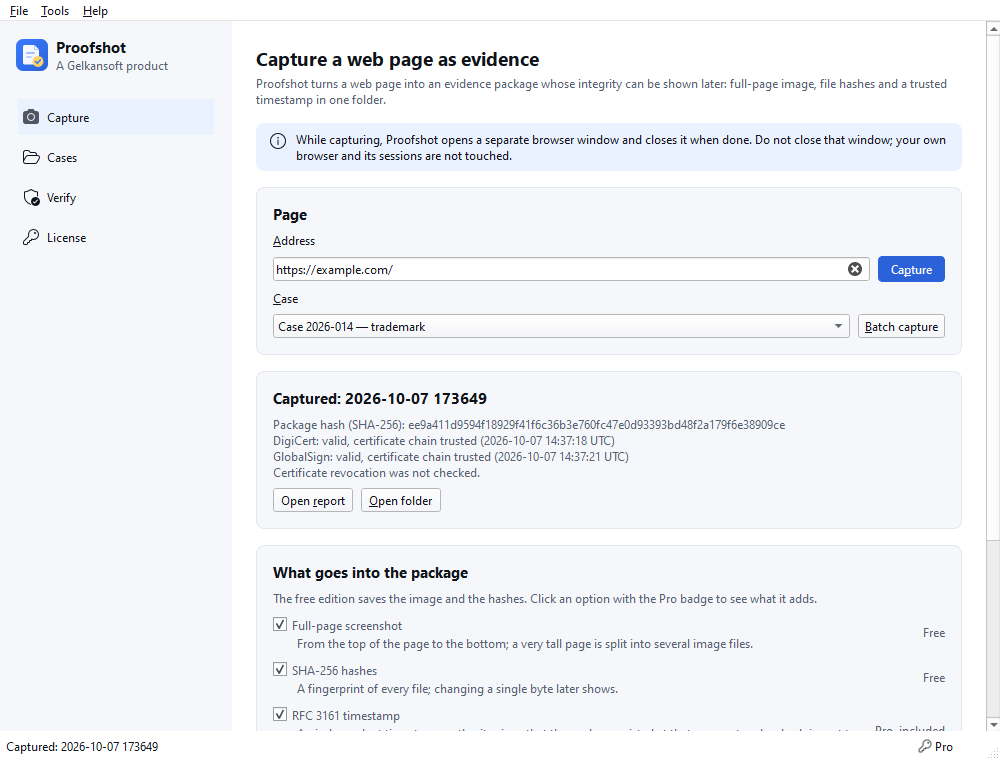
Image and network log from the top of the page to the bottom; a very tall page is split into several image files.
The SHA-256 hash of every file is kept in a manifest. Verify shows which file changed if the package was altered later.
RFC 3161 timestamps from two independent authorities (DigiCert, GlobalSign). Only a hash of the package is sent to them; no page and no address.
Image, address, server/IP/TLS details, hashes and timestamp in one PDF report; local time and timestamp time are written separately.
The page code and loaded files in the standard web archive (WARC) format; the page opening and scrolling as a video.
Scrolling capture for pages that load as you scroll, such as social media feeds; capture a list of addresses in one go, each in its own package.
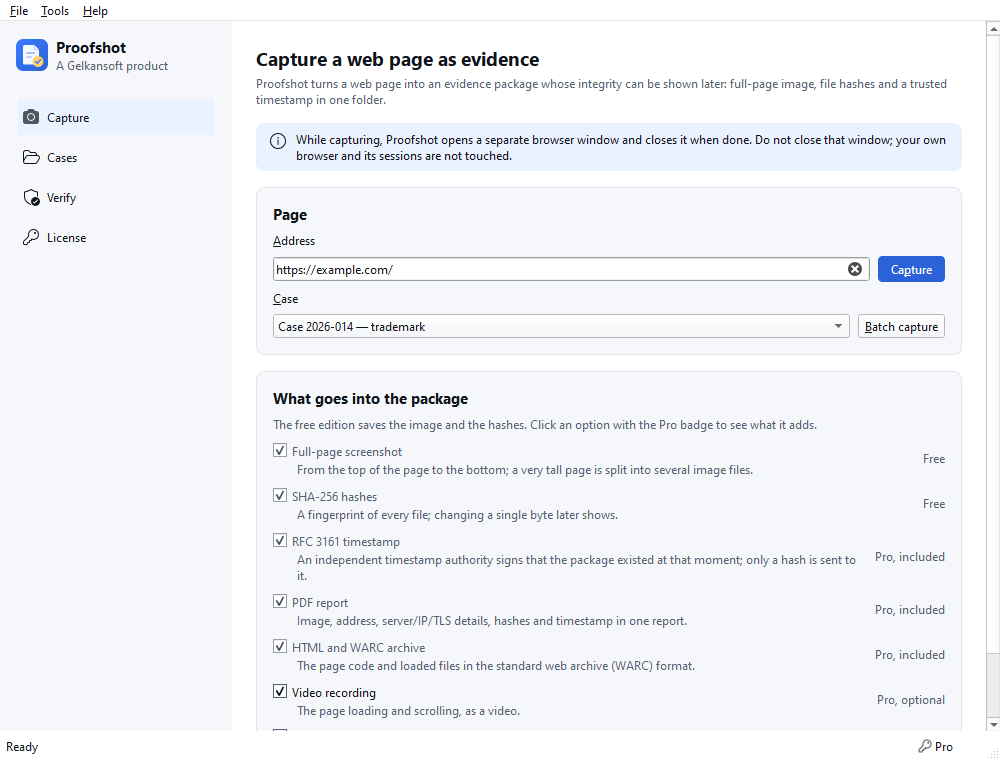
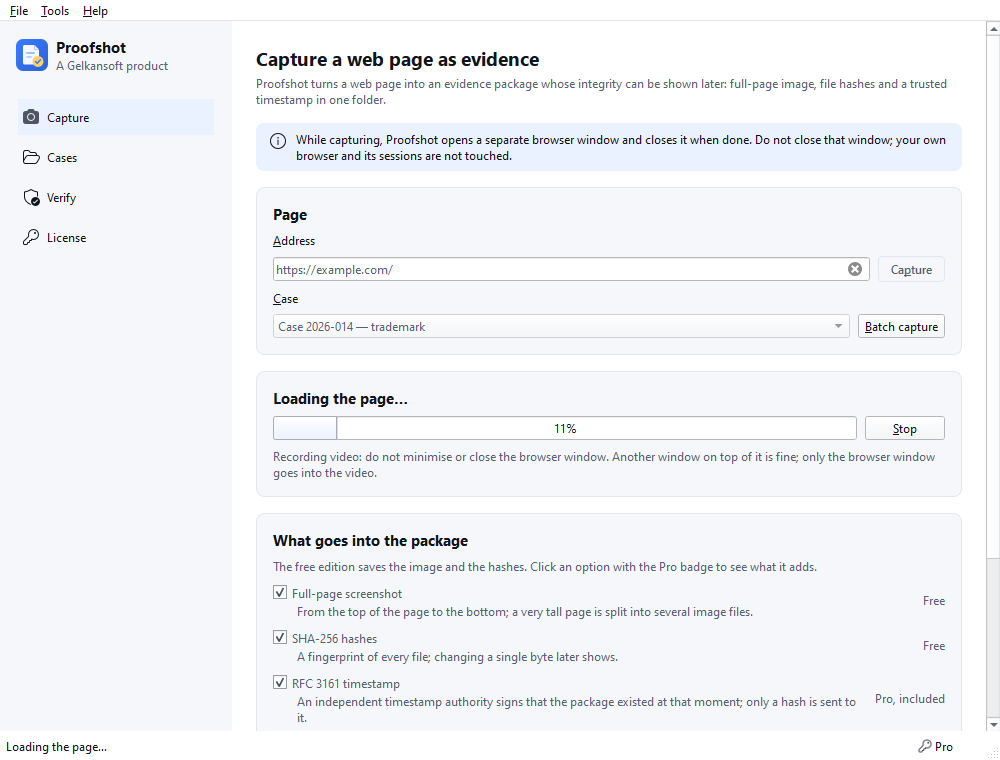
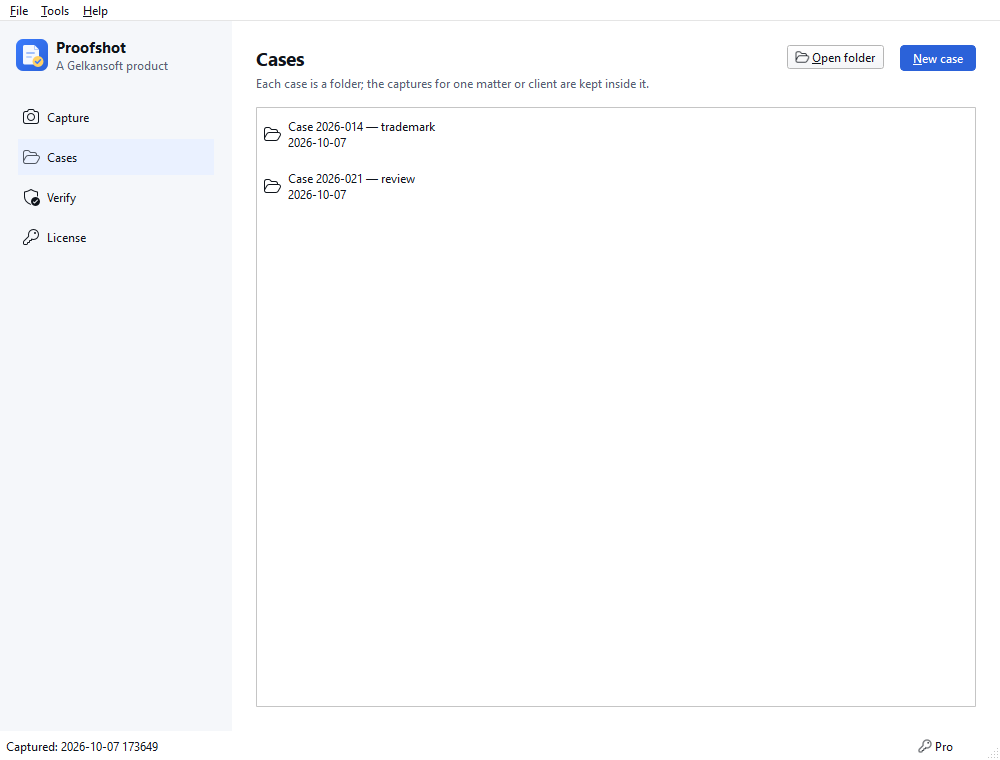
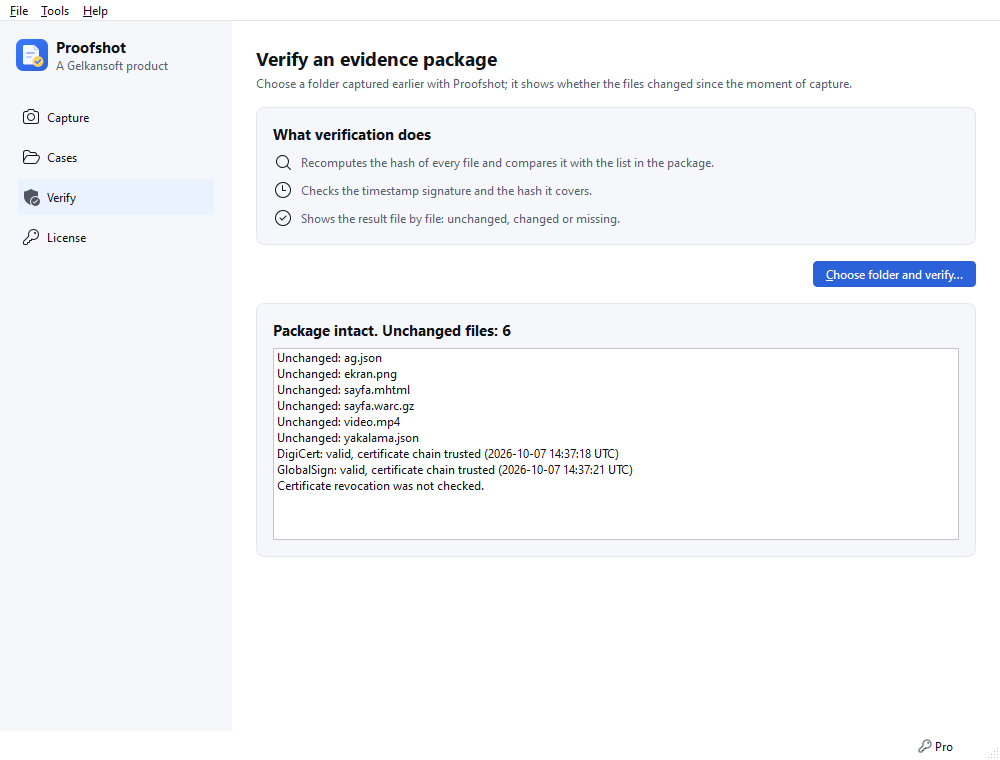
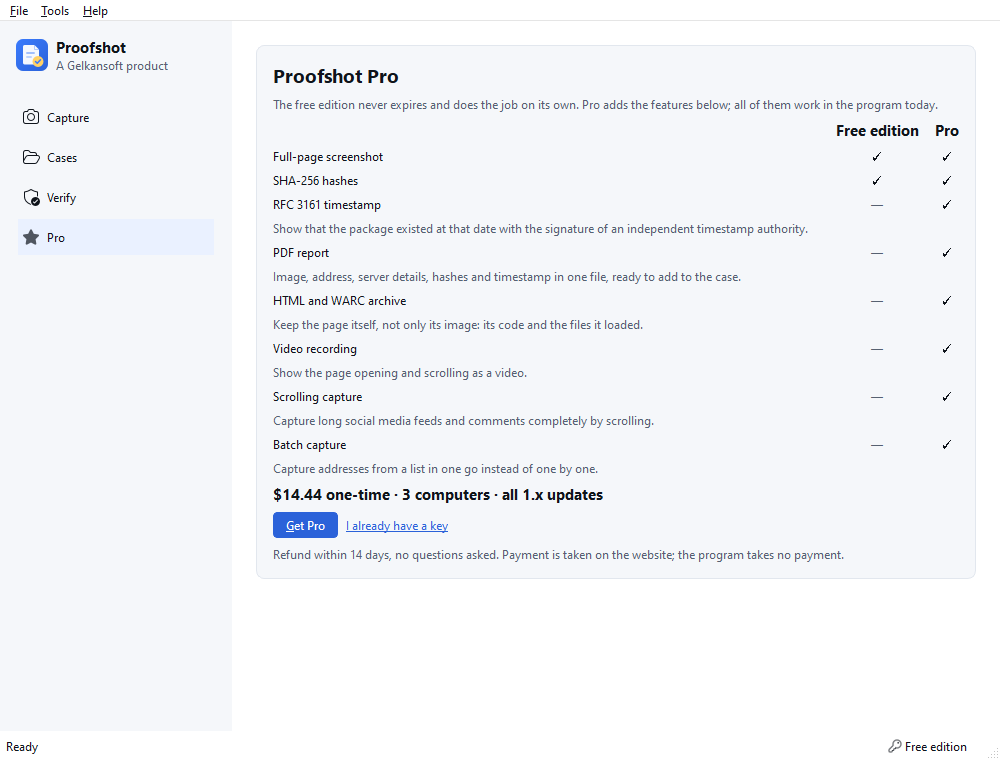
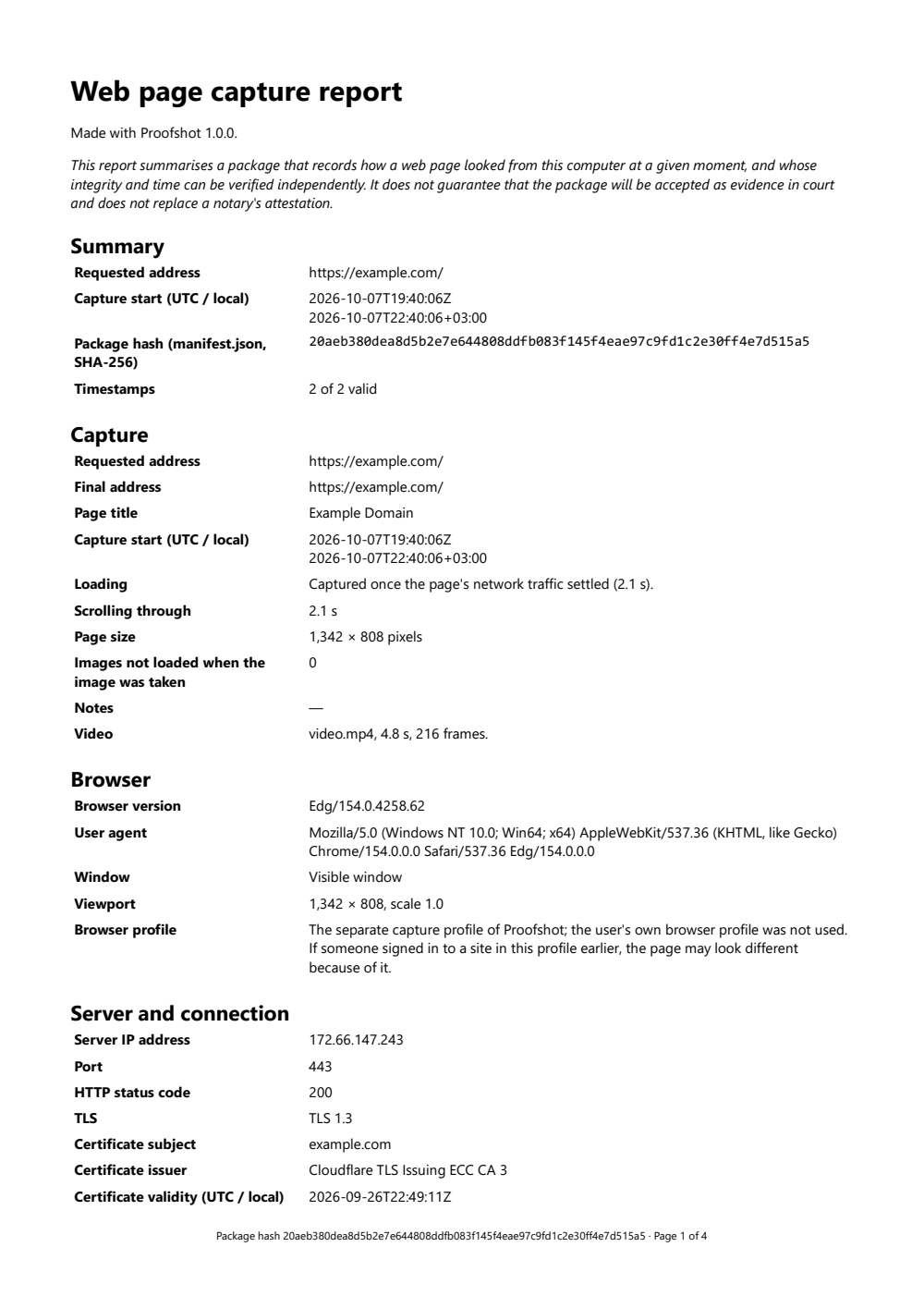
Full-page screenshots, SHA-256 hashes, case folders and package verification are free forever. Pro adds independent timestamps, a PDF report, HTML and WARC archive, video recording, scrolling capture and batch capture.
| Feature | Free | Pro |
|---|---|---|
| Full-page screenshot | Yes | Yes |
| SHA-256 hashes | Yes | Yes |
| Case folders | Yes | Yes |
| Package verification | Yes | Yes |
| RFC 3161 timestamp | No | Yes |
| PDF report | No | Yes |
| HTML and WARC archive | No | Yes |
| Video recording | No | Yes |
| Scrolling capture | No | Yes |
| Batch capture | No | Yes |
Our promise: no feature marked “Yes” in the Free column will ever move to Pro in a later version. The free version never expires and has no ads, account or sign-up.
Get Pro
Pro is a one-time $14.44. To start, enter your e-mail address; the licence key is sent to it.
The key is sent to this address only; we keep the address to send and manage the licence and use it for nothing else. Nothing is charged at this step.
Pro is a one-time payment, not a subscription.
Pages are opened with Microsoft Edge (or Google Chrome if Edge is missing) on your computer; the browser's own security services (such as SmartScreen) may send the visited addresses to the browser's maker. This program itself collects no usage data: for a timestamp only the package's hash goes to the timestamp authority, and for Pro activation only the key and a machine fingerprint go to the server; your captured files stay on your computer.
Windows 10 and 11 (64-bit), no administrator rights needed. The free edition never expires; you move to Pro from the same program.
The Store version is the same program: no Windows warning, and the Store installs updates.
Version 1.0.1 · 30.6 MB · Changelog
SHA-256: 49f5b2d02703f22c63417934a830af5fc16126dd146d0d9c24835f8a62ee4cb1
VirusTotal scan (2026-10-09): 0 detections from 66 antivirus engines. View report
No tool can guarantee that. Proofshot shows how the page looked from this computer at that moment and that the package has not changed since; it does not replace a notary's attestation, it complements it.
It saves the full-page image, the network log and the SHA-256 hashes, organises cases and verifies packages. It never expires and is never locked. Without a timestamp, no independent source shows that the package existed on that date; that is what the Pro timestamp is for.
An independent timestamp authority signs the hash of the package with the current time (RFC 3161). This shows, through a source independent of you, that the package existed by that date at the latest and has not changed since. Only the hash is sent to the authority.
No. Pages, addresses and files stay only on your computer. The program's and the browser's network traffic is listed item by item under Privacy.
The page is opened with Microsoft Edge (or Google Chrome if Edge is missing) on your computer, in a separate browser profile. Your own browser, tabs and sessions are not touched.
Captures run in a separate profile, so your own sessions are not used; a page that asks for a sign-in is captured as it looks when not signed in.
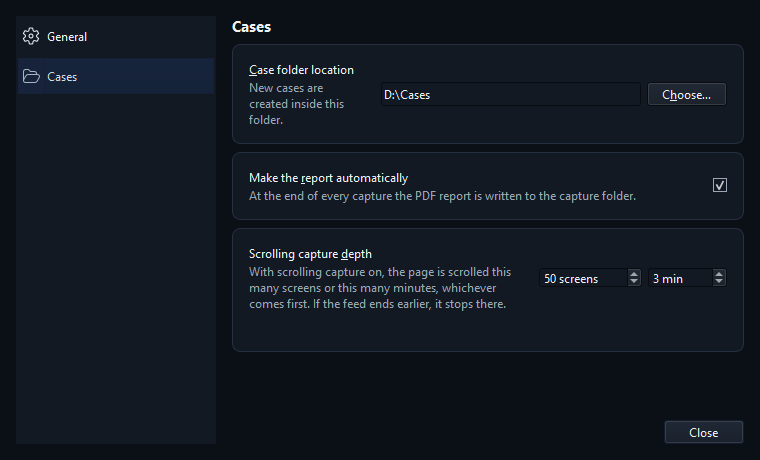
The page is saved from top to bottom; a very tall page is split into several image files and the report says how it was taken. For feeds that load as you scroll, Pro's scrolling capture scrolls to the depth you choose (number of screens or time).
Verify in the free edition of Proofshot hashes every file again and compares it with the manifest and the timestamps. File hashes can also be compared with the manifest using Windows' own tool (certutil -hashfile file-name SHA256).
No. It is a one-time payment; it runs on 3 computers and covers all 1.x updates. Refunds within 14 days, no questions asked.
On the old computer, free the seat with “Remove from this computer” on the License page, then enter the key on the new one.
If Windows is set to use only a SOCKS proxy (the proxy address starts with "socks="), Proofshot cannot send the timestamp request or the Pro activation through it; it sends them directly or through an HTTP proxy. Capturing is not affected: the browser uses the SOCKS proxy itself, and the package is saved without a timestamp. Ask your network administrator for an HTTP proxy address, or timestamp and activate on a connection without the SOCKS setting.