
Türkiye: biometric photo 50 × 60 mm (ID card, passport, driving licence)
The frequently asked questions pages of the General Directorate of Civil Registration and Citizenship Affairs carry this sentence (read on 13 October 2026): “Fotokopi, bilgisayarda çoğaltılan veya biyometrik olmayan fotoğraflar kabul edilmez.” (Photocopies, photos reproduced on a computer, and photos that are not biometric are not accepted.) Source: nvi.gov.tr, frequently asked questions for the ID card. On the passport services page: “Fotokopi, bilgisayarda çoğaltılan veya biyometrik olmayan fotoğraflar kabul edilmemektedir.” On the driving licence page: “Fotokopi veya bilgisayarda çoğaltılan ve biyometrik olmayan fotoğraflar kabul edilmez.” PassCrop shows the same sentences as a warning when you pick this size. PassCrop cannot know how a photo you prepare and print yourself will be judged under this condition; if you are not sure, ask the office you apply to before you apply. The conditions below are the official sources' own sentences (in Turkish, with a translation for reading only); rules can change, so look at the current page of the source before you apply.
Steps
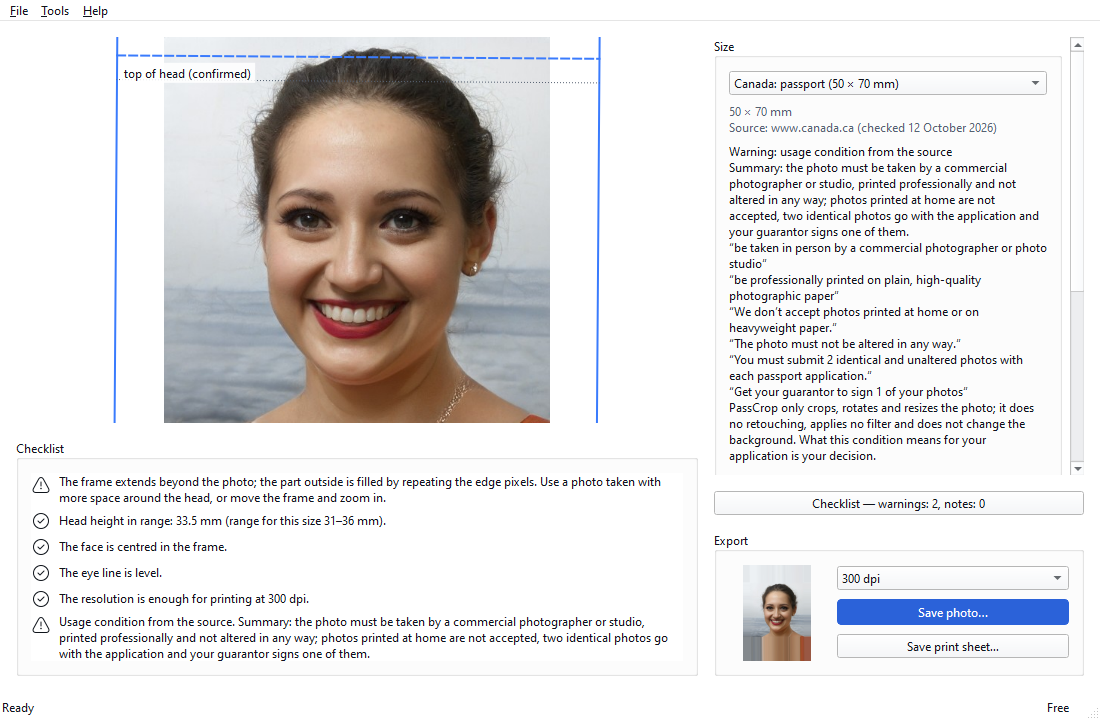
- Pick the size. Open the photo and pick “Türkiye: ID card, passport, driving licence (50 × 60 mm)”. The source's sentences: dimensions “2-Ebatı 50 mm X 60 mm, beyaz fonda ve desensiz olmalıdır.” (50 × 60 mm, white plain background); face “6- Yüz, fotoğraf üzerinde ortalanmış olarak saç modeliyle birlikte tamamen görünür olmalıdır.” (centred, fully visible with the hair); cutting “5-Bu nedenle çektirmiş olduğunuz biyometrik fotoğrafların 35 mm x 45 mm ebadında kesilmemesi hususu fotoğrafçılara muhakkak hatırlatılması gerekmektedir.” (not cut to 35 × 45 mm). Source: nvi.gov.tr, Istanbul Provincial Directorate, “Biyometrik fotoğraf nasıl olmalıdır” (checked 12 October 2026).
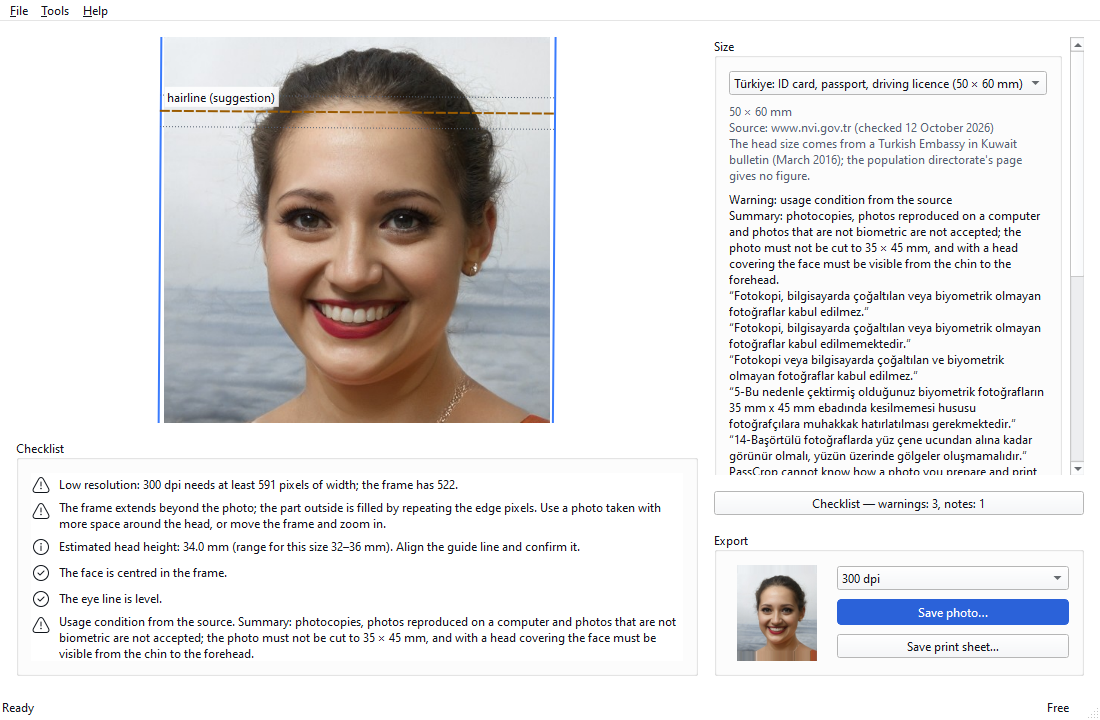
- Check the frame and confirm the guide line. Check the frame; put the guide line where the hair begins and confirm it.
- Look at the checklist. The background row is an estimate; check yourself that the background is white, plain and without shadows. The source's sentence: “3-Fonda gölgeler oluşmamalıdır, kişi tarafından en son halini göstermesi bakımından son 6 (altı) ay içinde çekilmiş olmalıdır.” (no shadows on the background; taken within the last 6 months).
- Save the print sheet and print it at 100 % scale. Save the 10 × 15 cm sheet with Save print sheet… and print it at 100 % scale (“fit to page” off).
- Measure the 50 mm line with a ruler. If the line at the bottom of the sheet is 50 mm, the print was not scaled; to be sure, measure the width of one photo as well. For photos with a head covering the source's sentence: “14-Başörtülü fotoğraflarda yüz çene ucundan alına kadar görünür olmalı, yüzün üzerinde gölgeler oluşmamalıdır.” (the face must be visible from chin to forehead, without shadows).
Tips
- The registry's page gives no figure for the head height. A bulletin of the Embassy of Türkiye in Kuwait (2016) has this sentence: “Yüz kısmının yüksekliği 32 ile 36 mm arasında olacak, fotoğrafın yüzde 70 ile 80'ini kapsayacaktır.” (the face 32 to 36 mm high, 70 to 80 per cent of the photo). The measure is described as “çene ucundan saçların başladığı bölgeye kadar” (from the tip of the chin to where the hair begins).
- Because the figure does not come from the page of the authority that issues the document, PassCrop shows the head height for this size as information and gives no “in range / out of range” verdict.
- Lighting, shadows, facial expression, glasses, whether the photo was taken in the last six months and the kind of paper are not checked. PassCrop only crops, rotates and resizes the photo; it does not change the background.
PassCrop cannot tell whether a photo will be accepted. Ask the office you apply to how a photo you print yourself is judged under the condition on “photocopies, photos reproduced on a computer or photos that are not biometric”.
Result
Your photo is framed to 50 × 60 mm and printed on a 10 × 15 cm sheet with its scale line. You checked the print size with a ruler; the decision on acceptance belongs to the office you apply to.
Other guides
Preparing an ID photo to the size of your document
Open the photo, pick your document's size, check the frame and the guide line; read the warnings and save.
Printing on 10 × 15 cm paper at 100 % scale
Save the print sheet, print it at 100 % scale and check with a ruler that the 50 mm line on the sheet came out unscaled.